
Everyday workflows
A daily check, a weekly review, handling a blocked customer, and spotting an attack.
Daily check (5 minutes)#
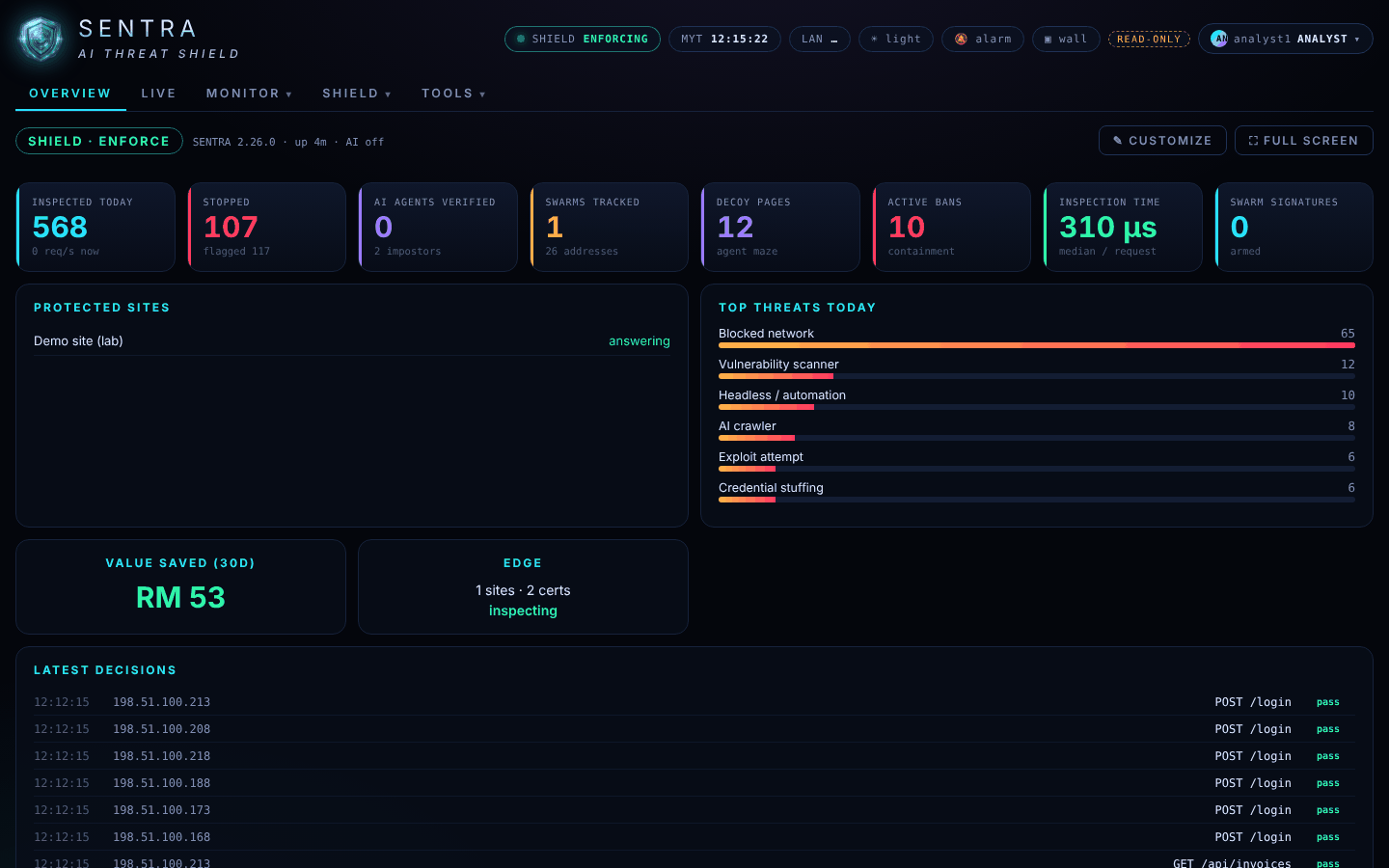
- Overview — is every site in Protected sites answering? Anything unusual in Top threats today?
- Monitor › Incidents — any new High or Critical incident? Read its summary.
- Live — glance at the swarm radar.
- Note anything odd and tell your administrator.
Weekly review (20 minutes)#
- Build a Security operations report for the last 7 days; save it as PDF.
- Look at Shadow review for addresses you recognise as legitimate.
- Compare Stopped and the top attack kinds with last week.
- Share the PDF with your team.
A customer was blocked#
- Get the reference number, time and what they were doing.
- Find the event (Monitor › Events, filter Block) and open it.
- Send the event number and reason to your administrator, asking for a narrow fix.
Something looks like an attack#
Signs: Stopped jumps, a swarm appears on the radar, a site stops answering, a Critical incident opens.
- Note the time, the incident or campaign number and what you see.
- Contact your administrator straight away.
- Keep watching Live; do not try to contact the attacker's addresses.
Monthly#
Build an Executive report for last month and attach the value report for management.