
Asking for changes
What your administrator can change, what to include in a request, and what to do in an emergency.
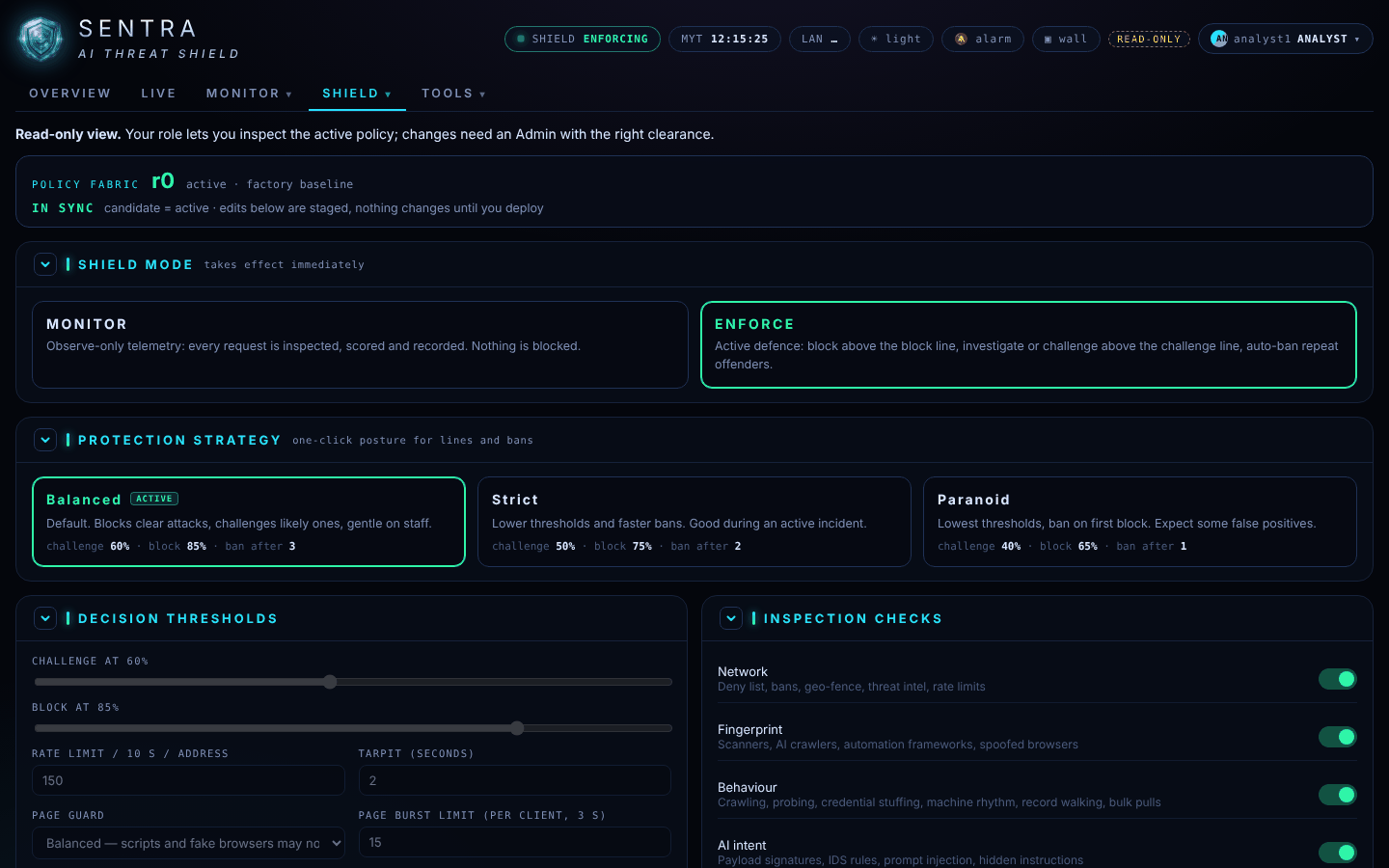
With a read-only account you see everything but change nothing. Changes to the protection go through your administrator (your organisation's own admin, or your SENTRA service provider), so that every change is approved and recorded.
Common requests#
| You need | Ask for |
|---|---|
| A customer or partner is being blocked | Trust their address or network, or a narrower rule for the affected page |
| An address keeps attacking | A ban or a block-list entry |
| No traffic from a country or hosting provider | A geo-fence or network (ASN) block |
| A search engine or AI assistant should (or should not) read the site | A change to its agent policy |
| An admin area should only open from the office | An admin zone for those pages, with your office network |
| A weekly report by e-mail | A scheduled report |
| More access for a colleague | A user account or a different role |
What to include#
- What happened — in a sentence.
- Event number or block reference — from the event record or the "Request blocked" page.
- Address, time and website involved.
- What you want — and for how long (a temporary rule can expire by itself).
- Who approves — if your organisation requires it.
In an emergency#
If the website is down or under heavy attack, call your administrator or service provider straight away rather than writing. Tell them what you see on the Overview (a site not answering, a jump in Stopped) and on Live.