
Watching Live
The Live page in plain words — the pipeline, the verdict feed, swarms, sites and where traffic comes from.
Live shows the shield deciding, as it happens.
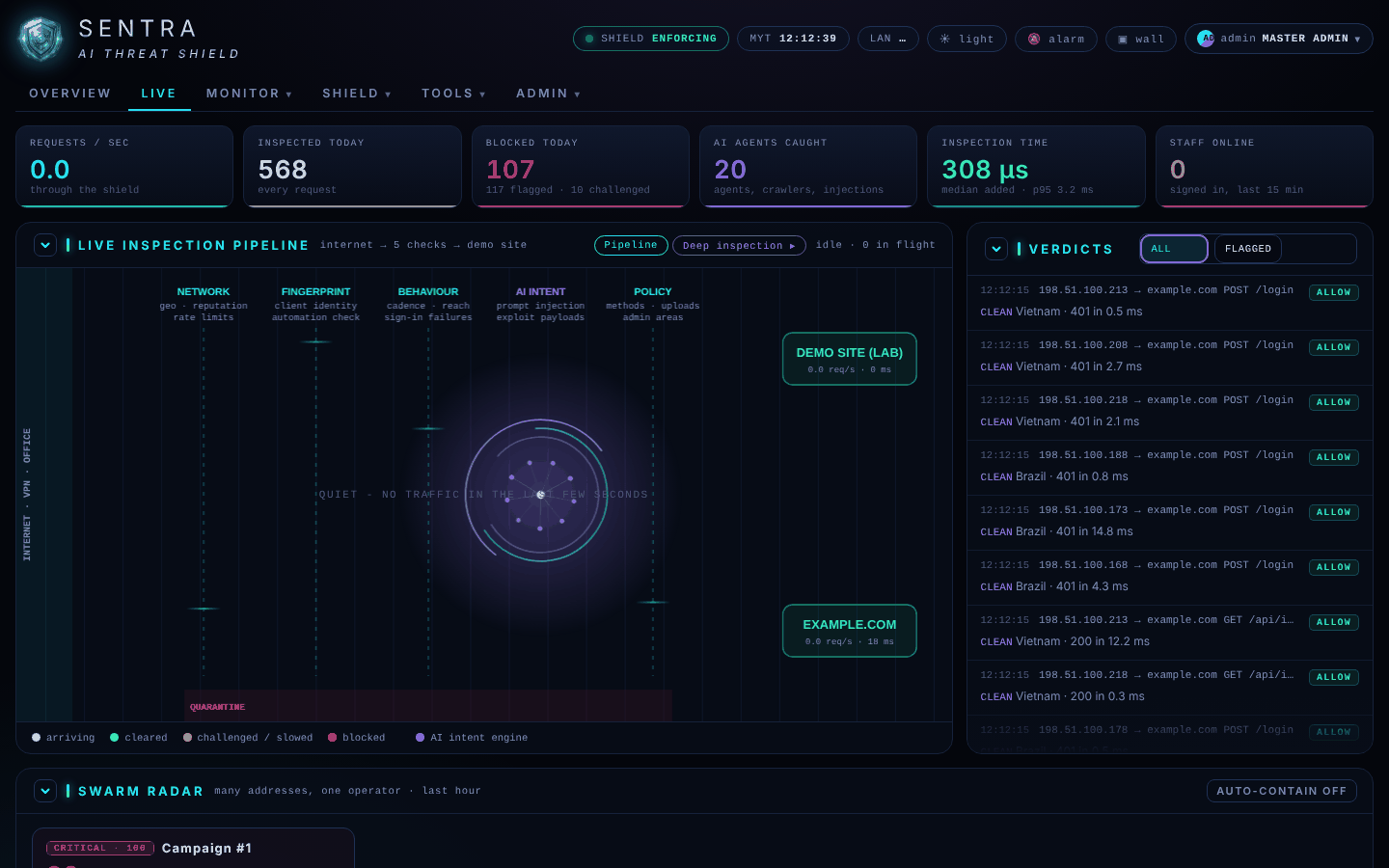
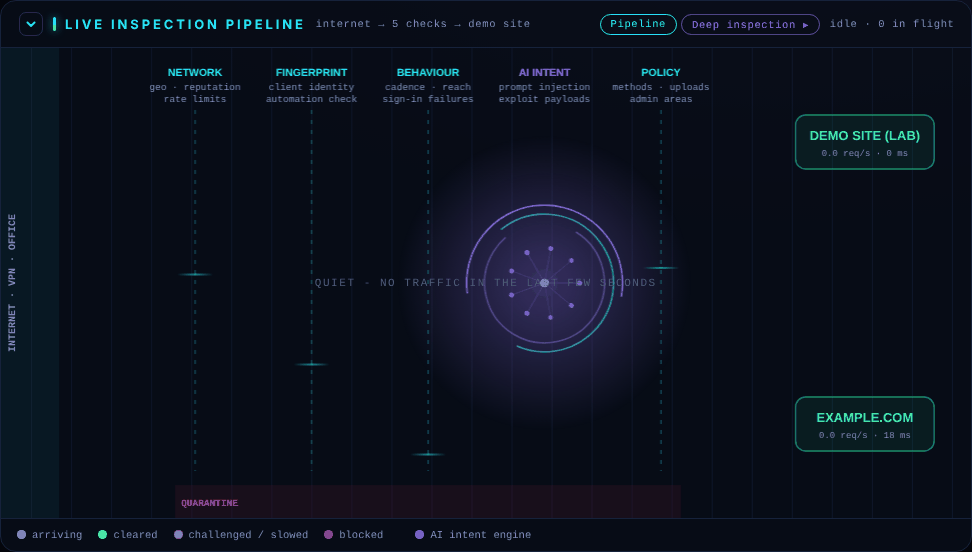
The pipeline#
Each moving dot is a real request passing through the shield's five checks on its way to your website:
| Colour | Meaning |
|---|---|
| Blue-grey | Arriving |
| Green | Cleared and sent to the website |
| Amber | Challenged or slowed down |
| Red | Blocked |
| Violet | The AI engine is looking at it |
Beside it, Verdicts lists each decision. ALL shows everything, FLAGGED only what was checked or stopped. Lines tagged DRILL are simulated attacks your administrator ran to test the shield — they never reach your website. Click any line to see why the decision was made (see Looking into an event).
The rest of the page#
| Panel | What it shows |
|---|---|
| Top figures | Requests per second, inspected and blocked today, AI agents caught, inspection time, staff signed in |
| Swarm radar | Groups of many addresses acting as one attacker. Your administrator can contain them with one click |
| Site cards | For each website: requests per second, today's requests, flagged requests, response times and recent errors. NOT ANSWERING means the website's server did not respond |
| Threats today | Today's attacks by kind |
| Intent engine | How much pressure suspicious traffic puts on the shield, minute by minute |
| Where traffic comes from | Today's traffic by country, or by network name for your office and VPN |
| Who is on now | Staff signed in to your applications in the last 15 minutes |
| Busiest endpoints | The most requested pages today |
The wall button in the header turns Live into a full-screen board for a TV; exit wall or Esc leaves it.