
Threats and reports
Reading the Threats page, the threat level and events, and getting regular reports of what was stopped.
The Threats page#
Threats (top menu) shows what NTS stopped or noticed.
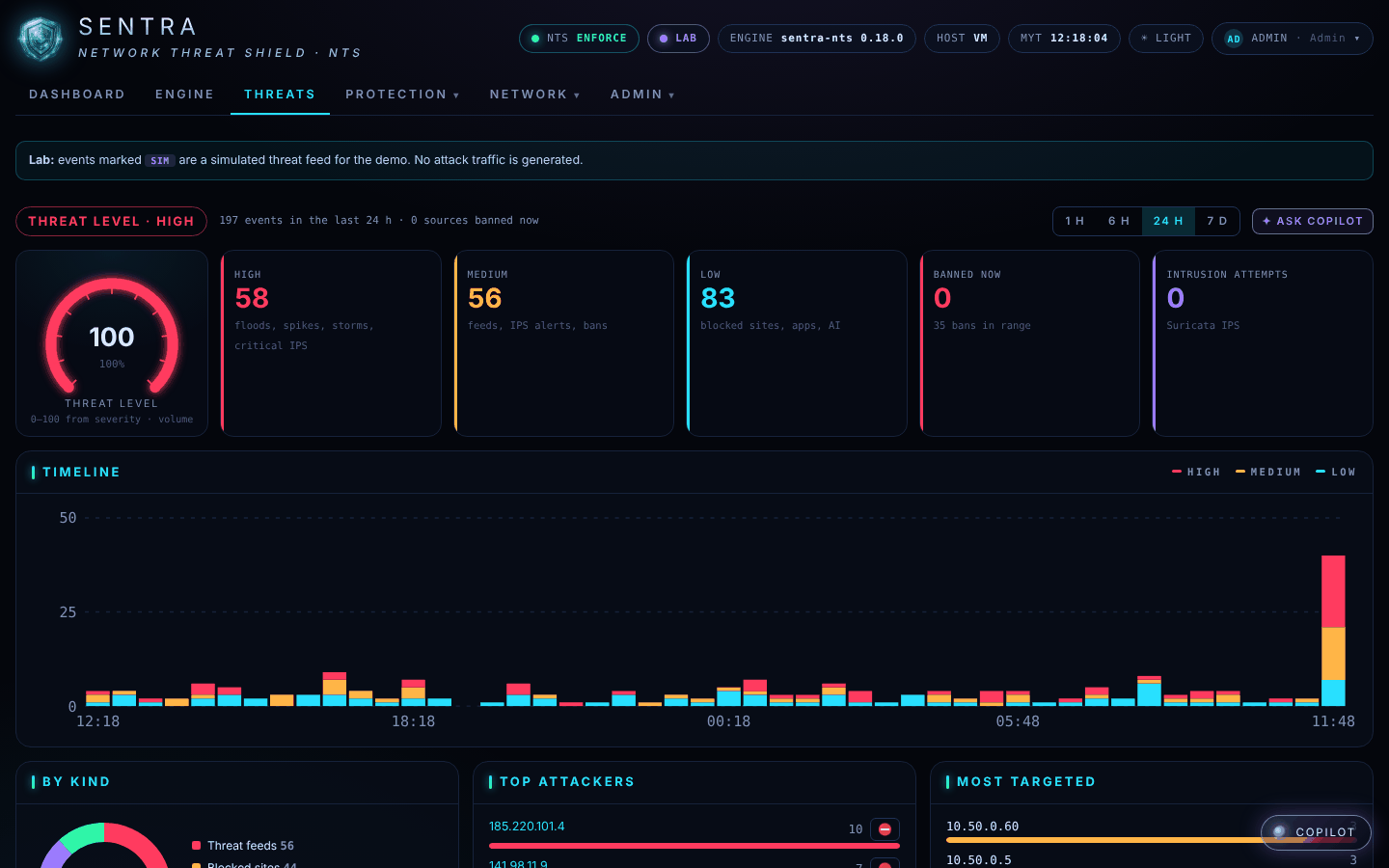
- Threat level — LOW, RAISED or HIGH, from how many events happened and how serious they were.
- High / Medium / Low — serious events (floods, traffic spikes, critical break-in attempts), medium ones (known bad addresses, break-in alerts, banned senders) and low ones (blocked sites and apps).
- Timeline — when things happened. Choose 1 h, 6 h, 24 h or 7 days.
- Top attackers, Countries, Blocked sites — where it came from and what was stopped.
- Events — every event, newest first. Click one for the details.
Seeing attacks on this page is normal and means the box is working: every internet connection is probed all day long. What matters is that they were stopped.
Events marked SIM appear only on demonstration systems; they are simulated, not real attacks.
Ask Copilot#
If your provider has set up an AI model, the COPILOT button (bottom right) and Ask Copilot on the Threats page answer questions such as "Is anything attacking us right now?" in plain language, using the box's own data.
Reports#
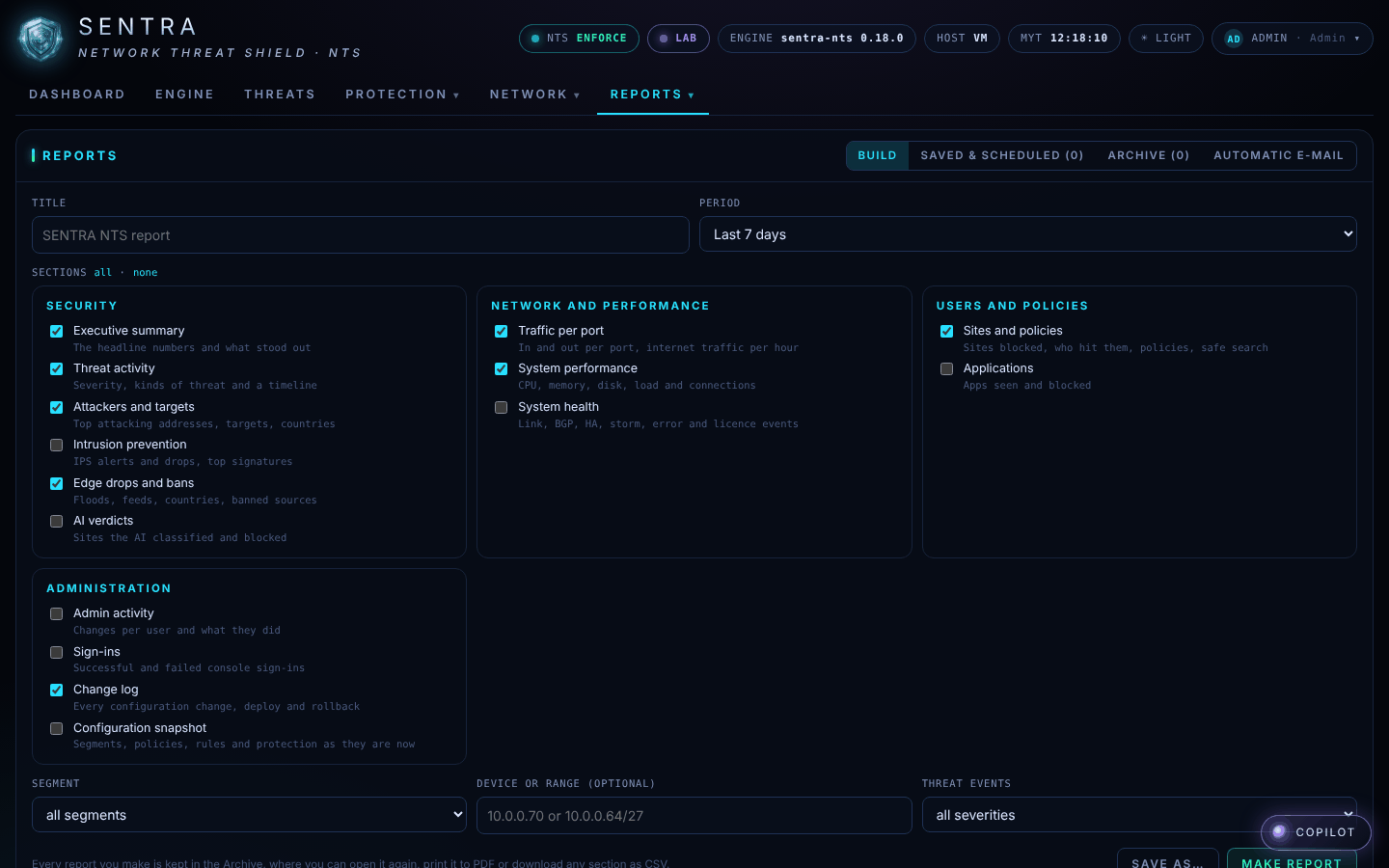
Your provider can send you reports by e-mail — daily, weekly or monthly — with an executive summary, threat activity, what was blocked, traffic and performance. If your account may run reports, open Admin → Reports, choose a period and the sections you want, and click Make report. You can print it to PDF or download the tables as a spreadsheet (CSV).